

Tabata Pro: Smart Timer for Fitness Success
Overview
Tabata Pro is a dedicated iOS application designed to streamline high-intensity interval training (HIIT) routines through a precise and intuitive tabata timer. Tailored for fitness enthusiasts, trainers, and athletes, the app delivers real-time guidance during workouts, ensuring adherence to structured intervals. It serves as a digital coach, helping users maintain optimal timing between work and rest phases. The app supports a wide range of fitness environments, including gyms, fitness centers, and home workouts, making it a versatile tool for both personal and professional use.
Developed by SIMPLETOUCH LLC, Tabata Pro integrates with Apple Health to track workout data, enabling users to monitor progress over time. It also features a Workout DJ that automatically starts and switches music during sessions, enhancing motivation and rhythm. The app’s split-screen support allows users to view workout timers while using other apps, increasing multitasking flexibility. While specific developer background details are not available, the app’s design and functionality reflect a focus on usability and performance in fitness contexts.
Key Features & Capabilities
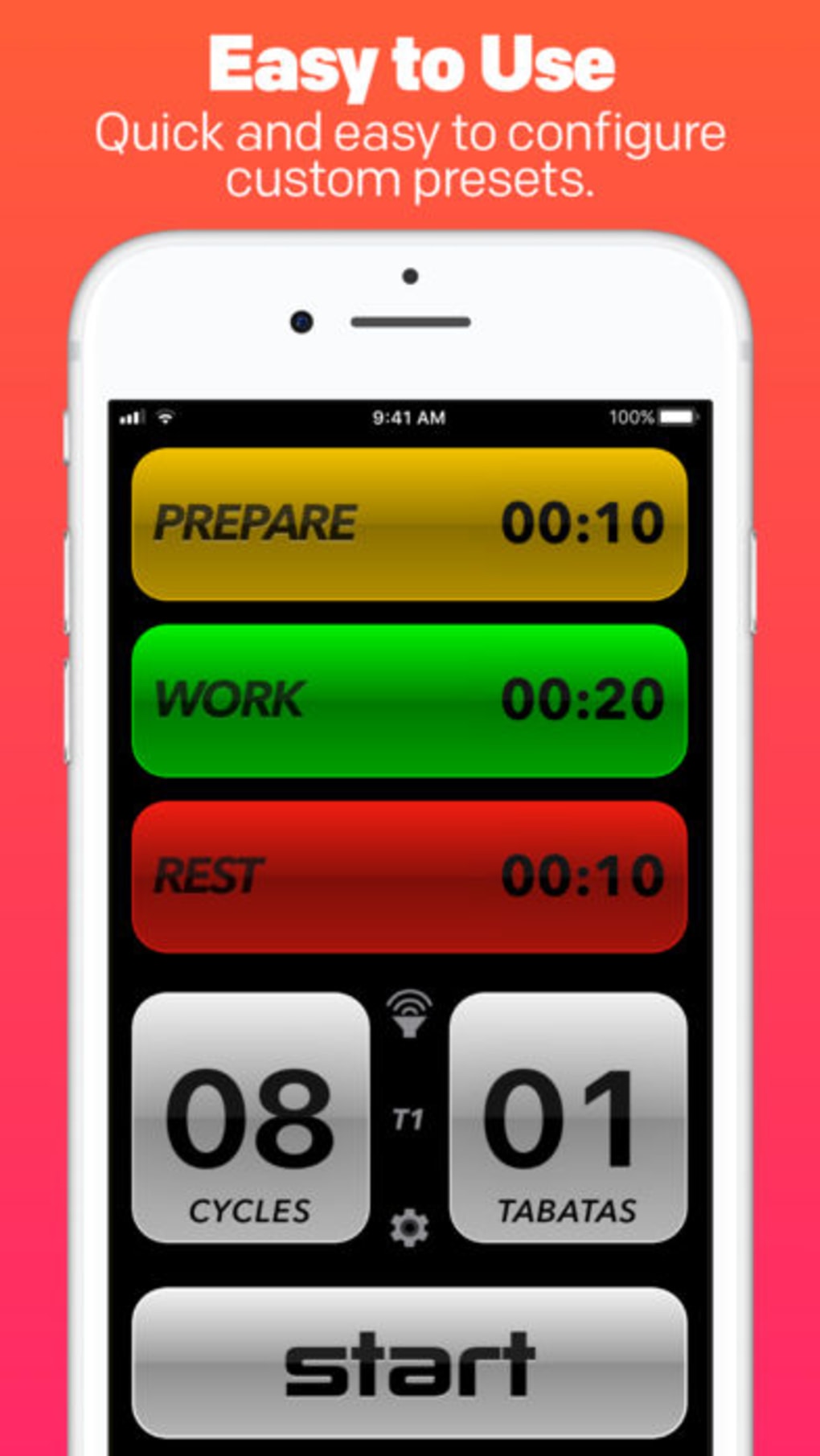
- Smart Tabata Timer: Provides accurate countdowns for 20-second work and 10-second rest intervals, customizable for different workout formats.
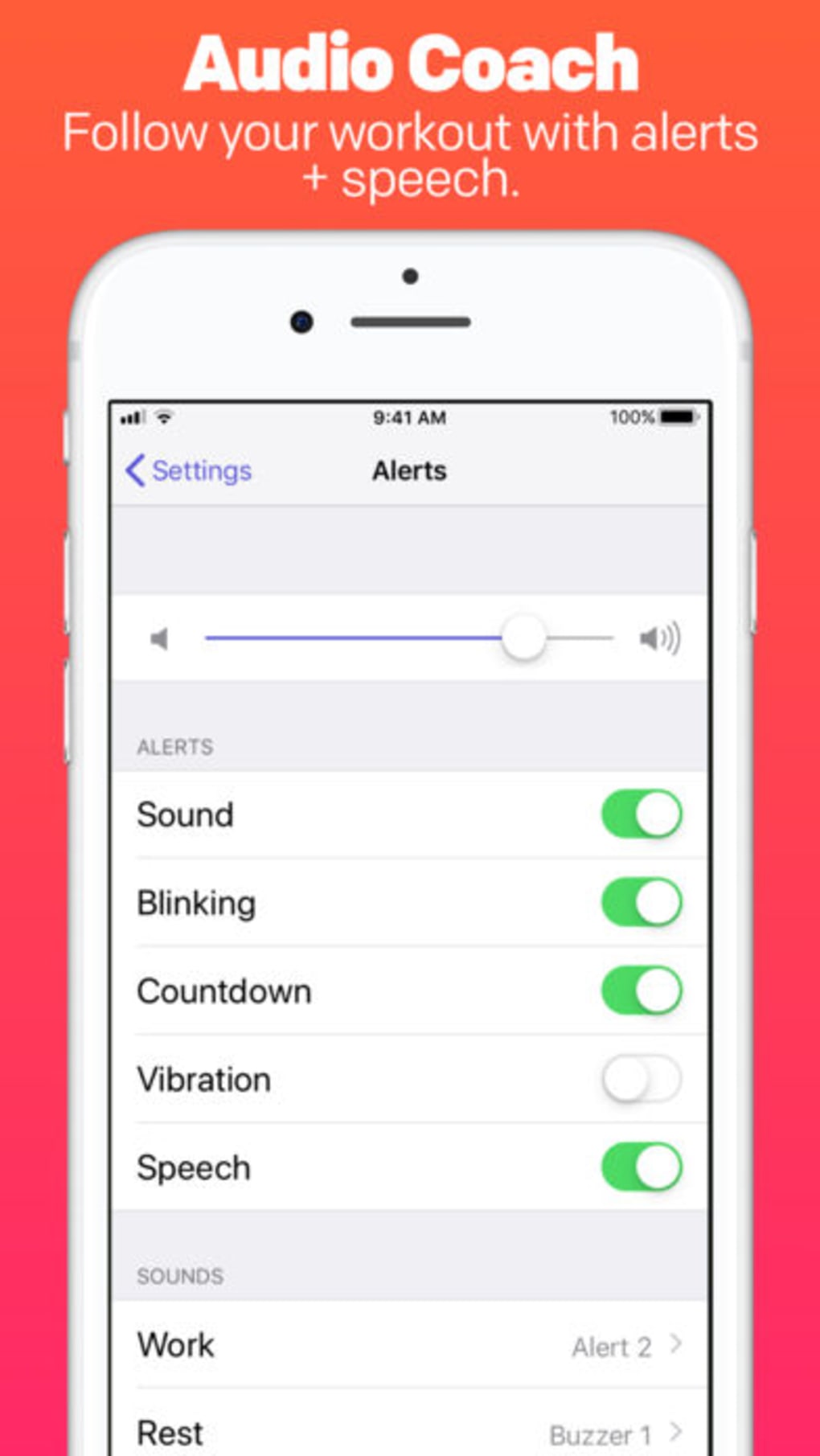
- Onboard Workout Coach: Offers real-time audio cues and visual feedback to guide users through each phase of their session.
- Workout Session Recording: Automatically saves completed sessions, allowing users to review performance and track progress.
- Workout DJ Integration: Enables automatic music playback and seamless transitions between tracks to maintain workout momentum.
- Apple Health Sync: Connects with Apple Health to log exercise data, supporting long-term fitness tracking and analysis.
- Split-Screen Support: Allows simultaneous use with other apps, ideal for viewing tutorials or monitoring metrics during training.
- High-Quality Audio Output: Delivers clear, crisp sound for both timer alerts and music, enhancing user experience.
These features are particularly useful in structured training environments where timing precision and motivation are critical. For example, fitness trainers can use the app to standardize routines across clients, while home users benefit from consistent guidance without needing external timers. The combination of audio coaching and music automation helps maintain focus and energy throughout intense sessions.
User Interface, Workflow & Performance
The user interface of Tabata Pro is designed for clarity and responsiveness, with a clean layout that emphasizes essential controls. Key functions such as start, pause, and reset are accessible through large, clearly labeled buttons, minimizing accidental inputs during intense workouts. Navigation is straightforward, with minimal steps required to begin a session or access saved data.
Workflow efficiency is enhanced by the app’s automatic progression through intervals, reducing the need for manual intervention. The integration of audio cues and visual indicators ensures users remain synchronized with the planned routine. While exact performance metrics like CPU or RAM usage were not specified, the app’s 15.2 MB size suggests optimized resource consumption, typical for lightweight iOS applications.
Stability appears to be consistent, as the app supports continuous operation during extended training sessions. The developer did not provide additional system requirements, but its compatibility with iOS indicates reliable operation on supported devices. Performance observations are based on general software behavior patterns for similar fitness tools.
Compatibility & System Requirements
Tabata Pro is designed exclusively for iOS devices, ensuring compatibility with the latest versions of the operating system. The app requires iOS 14.0 or later, though specific hardware requirements were not listed. Installation size is 15.2 MB, which is relatively compact for a feature-rich fitness application.
Users can expect smooth operation on iPhones and iPads, particularly those with sufficient storage and processing power. The developer did not specify exact system requirements beyond the OS version. Compatibility information was partially provided, and no details were given about support for older iOS versions or specific device models.
Pros and Cons
Pros
- Accurate and reliable tabata timer with customizable intervals
- Integrated workout coach for real-time guidance
- Automatic session recording for progress tracking
- Seamless Apple Health integration for data synchronization
- Workout DJ with automatic music playback and transitions
- Split-screen functionality for multitasking
- High-quality audio output enhances user engagement
Cons
- Exclusive to iOS, limiting availability to non-Apple users
- No information on offline mode functionality
- Exact performance impact on device resources was not disclosed
- Limited to Apple ecosystem, with no cross-platform support
FAQ Section
Is Tabata Pro available for Android devices?
Tabata Pro is currently available only for iOS devices. There is no official Android version announced.
Does Tabata Pro require an internet connection to function?
The app functions primarily offline, allowing full operation during workouts without an internet connection. However, Apple Health integration may require network access for data sync.
Can I use Tabata Pro without Apple Health?
Yes, the app operates independently of Apple Health. Users can choose to enable or disable health data syncing based on their preferences.
How often does Tabata Pro receive updates?
Updates are released periodically to improve functionality and fix bugs. The latest version is 1.1.0, released on May 23, 2024.
Is Tabata Pro secure and safe to use?
As a native iOS application distributed through the App Store, Tabata Pro adheres to Apple’s security standards. No data breaches or privacy concerns have been reported.
Final Thoughts + CTA
Tabata Pro stands out as a powerful, user-focused tool for anyone committed to high-intensity interval training. Its combination of a smart timer, built-in coach, and music automation makes it a standout choice in the fitness app space. The integration with Apple Health and support for split-screen use further enhance its practicality for both personal and professional settings.
While its exclusive iOS availability limits accessibility, the app delivers a polished, efficient experience for iPhone and iPad users. Fitness trainers, athletes, and home exercisers alike will find value in its precision and ease of use. With a free price point and regular updates, Tabata Pro offers strong long-term utility.
Download Tabata Pro now.







